
This article continues with content quality & authority
In Part 1, we mentioned keywords, content quality, backlinks, and UX as ranking factors. But those were just labels.
What does “content quality” actually mean? How does Google measure “authority”? Can a small blog ever compete with big brands?
This article answers those questions. We’ll break down:
- E‑E‑A‑T (Experience, Expertise, Authoritativeness, Trust)
- Search intent & content relevance
- Content depth & uniqueness (information gain, comprehensiveness, originality)
- Readability & structure
- Authority & backlinks
- User experience & technical health
Let’s start with the framework Google itself uses.
1. What Is E‑E‑A‑T? (And Why You Should Care)
E‑E‑A‑T stands for Experience, Expertise, Authoritativeness, Trustworthiness. It’s not a direct ranking factor (no “E‑E‑A‑T score”), but it’s the lens Google’s quality raters use to evaluate content. Pages that lack E‑E‑A‑T rarely rank well, especially in YMYL (Your Money or Your Life) topics like health, finance, or safety.
The Four Components
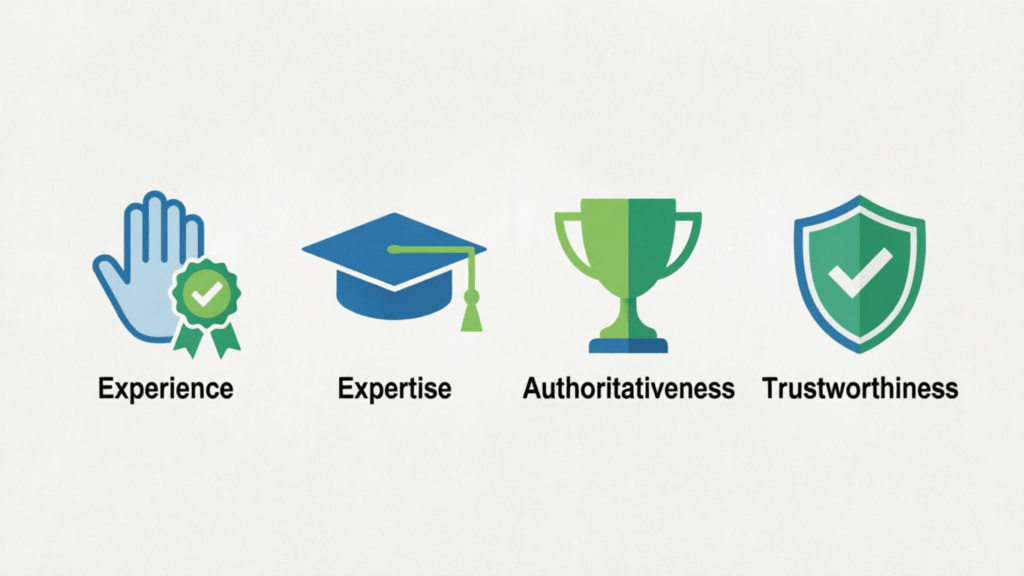
| Component | Meaning | Example |
|---|---|---|
| Experience | First‑hand or life experience about the topic | A travel blogger who actually visited the hotel vs. someone who aggregated photos |
| Expertise | Formal knowledge or skill | A certified electrician writing about wiring vs. a hobbyist |
| Authoritativeness | Recognized as a go‑to source by others | Being cited by industry leaders, having many quality backlinks |
| Trustworthiness | Accuracy, transparency, security | Clear about authors, HTTPS, correct contact info, few errors |
How to Improve E‑E‑A‑T on Your Blog
- Show your face and name – Add an author bio with credentials or relevant experience.
- Cite sources – Link to reputable data, studies, or official docs.
- Keep content updated – Outdated info hurts trust.
- Get real reviews and mentions – From real users, not fake ones.
- Be transparent – About affiliate links, sponsored content, corrections.
💡 Even for a personal learning blog like this one, showing that you’re testing things yourself (experience) and linking to trustworthy references builds E‑E‑A‑T.
2. Content Quality & Relevance
Quality without relevance is useless. You need both.
A. Understanding and Satisfying Search Intent

Search intent is the real goal behind a user’s query. There are four main types:
| Intent Type | Example Query | What the User Wants |
|---|---|---|
| Informational | “how to fix a leaky faucet” | A step‑by‑step guide or explanation |
| Navigational | “Facebook login” | Go to a specific website/page |
| Transactional | “buy Nike Air Max” | A product page with a “buy” button |
| Commercial investigation | “best DSLR camera 2026” | Comparisons, reviews, pros/cons before buying |
How to align your content:
- Search the query yourself. See what type of results Google shows (videos? product pages? long guides?).
- Write for that format. Don’t write a sales page for an informational query.
- Use the same language as users (e.g., “how to” vs “price”).
B. Content Depth & Uniqueness
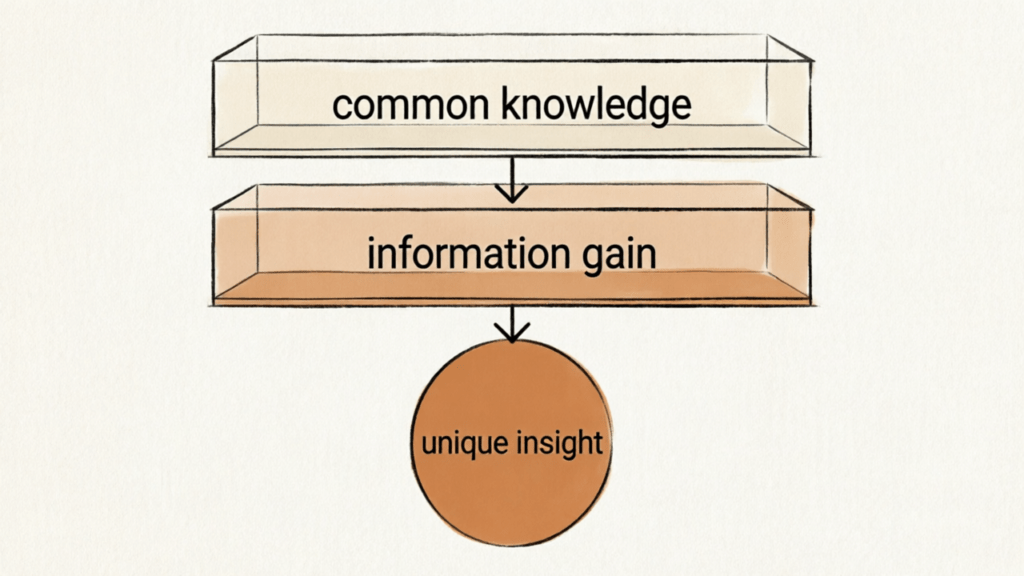
- Information gain – Does your page add something new that isn’t already on page one of Google? If it’s just a rewrite, it won’t rank.
- Comprehensiveness – Cover the topic fully. If you write about “on‑page SEO”, include title tags, meta descriptions, headings, internal links, image alt text, etc.
- Originality – Share your own data, case studies, screenshots, or unique perspective. Even a small original insight beats a generic article.
C. Content Presentation & Readability
Google can understand structure. Users judge readability in seconds.
- Use headings (H1/H2/H3) to break content into logical sections.
- Short paragraphs (2‑3 sentences max).
- Bullet points, tables, bold text – make scanning easy.
- Multimedia – images, diagrams, videos (optimized with alt text and filenames).
- Grammar & spelling – Errors hurt trust. Use tools like Grammarly or Hemingway.
D. Natural Keyword Deployment
Forget keyword density. Write naturally.
- Use one primary keyword per page (can be a phrase).
- Include it in: title tag, first 100 words, one H2, alt text of one image.
- Use synonyms and related terms (LSI keywords) to show breadth.
- Never stuff. If a keyword sounds forced, remove it.
3. Website Authority & Link Quality
Authority is what others say about you. Google treats backlinks as votes. But not all votes are equal. As discussed in Part 1, backlinks have always been a core ranking factor. In the AI era, they also help AI models trust your site (see Is SEO Dead? for data on brand citations).
What Makes a Good Backlink?
| Good | Bad |
|---|---|
| From a relevant site (same niche) | From a spammy directory |
| High‑authority domain (DR > 50 is strong) | From a site that links to everyone |
| Natural, editorial link | Paid link (against guidelines) |
| Dofollow link | Nofollow (still useful but less weight) |
How to Earn Backlinks (Ethically)
- Create linkable assets – original research, infographics, ultimate guides, free tools.
- Guest post on real blogs (not link farms).
- Broken link building – find dead links on relevant sites, suggest your content as replacement.
- Be cited – Answer HARO (Help a Reporter Out) queries.
- Internal links – They distribute authority within your own site.
For a new blog: focus on creating high‑quality content first. Links will come slowly. Don’t buy them.
4. User Experience & Technical Optimization
Good content won’t rank if users leave immediately because the page is slow or broken. This connects back to the ranking factors we introduced in Part 1.
Core Web Vitals (Google’s speed & interaction metrics)
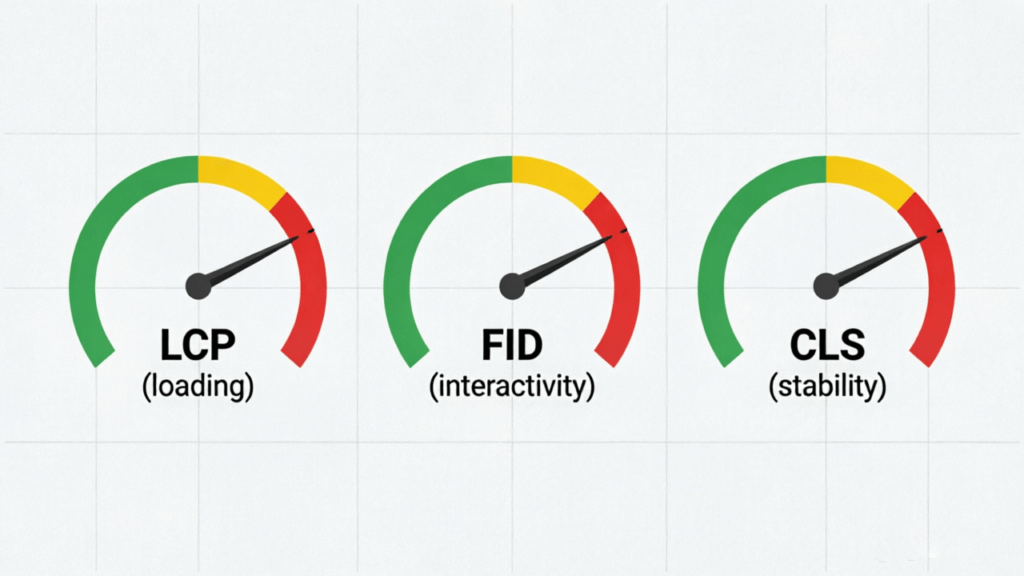
| Metric | What It Measures | Good Score |
|---|---|---|
| LCP (Largest Contentful Paint) | Loading speed of main content | < 2.5s |
| FID (First Input Delay) | Interactivity responsiveness | < 100ms |
| CLS (Cumulative Layout Shift) | Visual stability | < 0.1 |
How to improve:
- Use a fast hosting (avoid cheap shared hosting).
- Compress images (WebP format).
- Enable caching and a CDN.
- Remove unnecessary plugins/scripts.
Mobile‑Friendliness
Google uses mobile‑first indexing – it ranks your mobile version.
- Test with Google’s Mobile‑Friendly Test tool.
- Use responsive design (not separate mobile URLs).
- Ensure text is readable without zooming, buttons are tap‑friendly.
Security & Crawlability
- HTTPS – mandatory. Get a free SSL certificate.
- Robots.txt – don’t block important pages.
- XML Sitemap – submit to Google Search Console.
- No broken links (404s) – they waste crawl budget.
Summary: Your Content Quality & Authority Checklist
| Area | Action Items |
|---|---|
| E‑E‑A‑T | Author bio, cite sources, update content, be transparent |
| Search Intent | Match your page to the user’s real goal (info / navigation / transaction / commercial) |
| Content Depth | Add unique insights, cover fully, avoid fluff |
| Readability | Headings, short paragraphs, lists, images, error‑free |
| Keywords | One primary keyword, natural usage, synonyms |
| Backlinks | Create linkable assets, earn real links, no buying |
| User Experience | Fast LCP, low CLS, mobile‑friendly, HTTPS |
| Technical | Sitemap submitted, no blocking directives, no broken links |
What’s Next?
In the next article, we’ll explore keyword research and how to find topics that actually bring traffic.
If you haven’t read Part 1 (How Google Search Works), start there to understand crawling, indexing, and ranking.
📚 SEO Cognitive Series
- Part 1: How Google Search Works – Crawling, indexing, ranking explained.
- Part 2: Content Quality & Authority – You are here. (E‑E‑A‑T, search intent, backlinks, UX)
📖 Related: SEO Basics: Research (Part 1) – Keyword Research – Learn how to find what users actually search for.

About Shelldy
An ordinary practitioner learning SEO from scratch. By day, I work in the internet industry; by night, I turn what I’ve learned into articles. I believe that honest learning records are more valuable than rehashed tips. Feel free to connect and exchange ideas.
Pingback: SEO Learning (Part 1): How Google Search Works – And Why You Should Care -